
In the field of machining, the CNC turning center equipped with FANUC control system, also known as CNC Turning Center with FANUC Control System, is one of the most mainstream high-precision turning equipment. Its core strength is that the system has super high stability, strong compatibility, and extremely low maintenance costs, which can meet the needs of a variety of different scenarios from single-piece customization to mass production. Whether you are purchasing for the first time or upgrading existing equipment, mastering the operating logic and key selection parameters of the FANUC system can directly increase processing efficiency by more than 30% (according to industry general data, the source of which is the 2025 "Modern Manufacturing Technology" industry survey). This article provides a complete closed-loop solution from selection evaluation, daily operation to troubleshooting, helping you quickly become an expert in using FANUC turning centers.
01Why choose FANUC control system: three core advantages
1. Stability comes with durability. The mean time between failures, or MTBF, of the FANUC system exceeds 30,000 hours. It can adapt to high temperature environments, oil mist environments, dust environments, and other harsh workshop environments.
2. The code is compatible. The compatibility lies in the high degree of consistency between the standard G/M code and ISO international standards. This consistency makes the program easy to move across devices.
3. Taking into account the convenience of maintenance, more than 90% of common alarms are covered by fault diagnosis codes, and the operator can handle them directly according to the prompts given on the screen.
The most important tip is that before purchasing, be sure to check the specific model of the system, such as FANUC 0i-TF and 31i-B5. Different models have differences in the maximum number of control axes supported, machining accuracy, and linkage functions.
02Five technical parameters that must be clarified in the selection stage
Common selection errors are as follows: When purchasing, an auto parts factory ignored the range covered by the tailstock hydraulic pressure, which caused the center hole of long-axis parts to be drilled off-center. The repair rate was as high as 15%. The solution to this situation is to require the supplier to clearly write out "the adjustable range of the tailstock tightening force (such as 0.5 – 2.0MPa)" in the technical agreement, and to conduct trial cutting on site to verify it.
03Complete operation process (7 steps to complete first piece processing)
1. Power on and return to reference point
Press the "POWER ON" button in sequence and wait for the system to perform self-test. This process lasts about 15 seconds, then switch to the "REF RETURN" mode, and then press the X-axis positive direction button and Z-axis positive direction button in sequence until the reference point indicator lights up.
Frequently Asked Questions : If returning to the reference point fails, check whether the travel limit switch is stuck by iron filings.
2. Workpiece and tool installation
Use a three-jaw chuck to clamp the workpiece, and the extended length is ≤3 times the diameter (to prevent tool vibration).

Follow the "trial cutting method" or "tool setter" to perform the tool setting operation. The steps of the "trial cutting method" are to manually cut the outer circle, measure the diameter, enter "M" and "measure", and then the system automatically calculates the tool offset.
3. Program input and simulation
Enter the program in edit mode (EDIT), for example:
O0001
     G50 S2000
     G96 S180 M03
     G00 X50. Z5.
     G71 U2. R1.
     G71 P10 Q20 U0.5 W0.1 F0.25
     N10 G00 X30.
     G01 Z-40.
     N20 G00 X50.
     G28 U0 W0
     M30
First, perform a simulation run. Switch to the "MEM" mode, then press the "GRAPH" key, then press cycle start, and then observe whether interference occurs in the tool path.
4. First piece trial cutting
Execute individual line segments one by one (called SINGLE BLOCK). Each time you press the cycle start button, only one line of code is executed, which is convenient for emergency stop operations.
Adjust the rapid traverse override to 10% and the feed override to 30%.
5. Dimensional inspection and compensation
Measure the key dimensions of the first piece, then calculate the difference, then enter the "OFFSET" interface, and then modify the corresponding tool offset value. For example, when the outer circle is 0.05mm larger, add -0.05 to the X tool offset.
6. Mass production optimization
Using FANUC's "Learning Mode" (Manual Guide i), complex contour codes can be created with the help of a conversational programming interface, reducing the chance of errors in manual programming.
Turn on the "Tool Life Management" function, set the theoretical number of processing pieces for each tool, and automatically issue an alarm prompt for replacement when it expires.
7. Shutdown and daily maintenance
After returning the spindle to the zero position, press the "POWER OFF" button, then clean the chips, and then apply anti-rust oil.
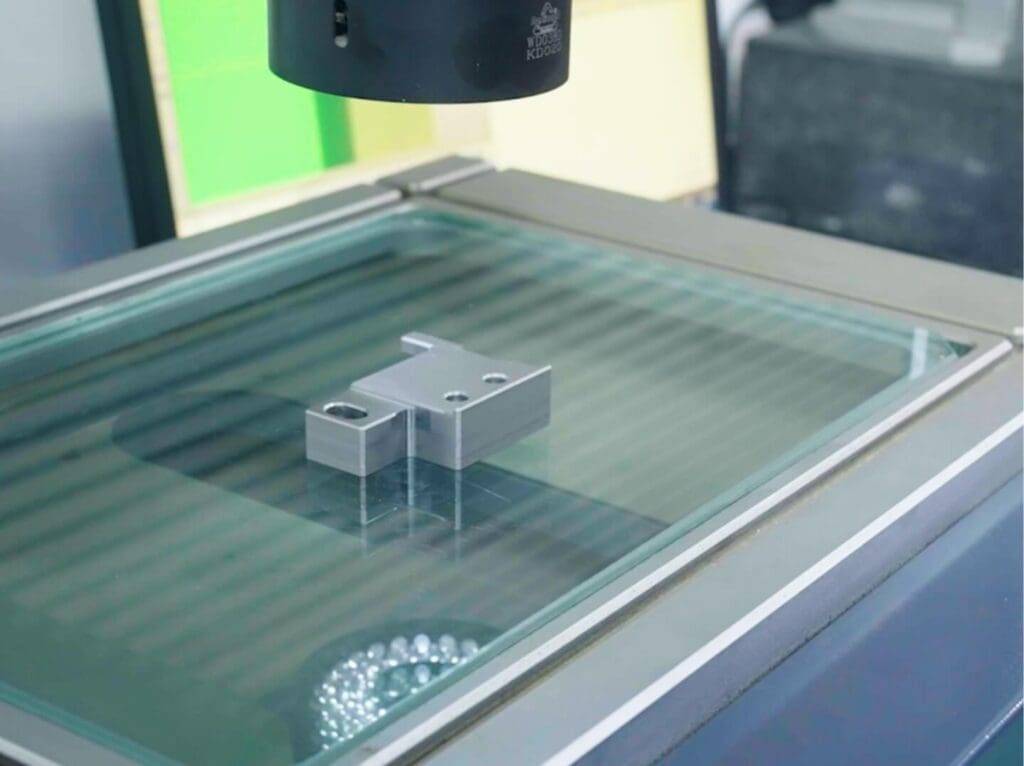
During weekly maintenance, the oil level of the lubrication pump should be checked, and the filter should be ensured to be clean. During monthly maintenance, the emergency stop button should be tested, and the system parameters should be backed up to a CF card.
04Frequently Asked Questions Q/A (Quick Checklist)
Q1: There is no display on the system screen after powering on, but the fan is spinning?
First check the display backlight tube or power board. You should first replace fuse F1, which is located on the left side of the power supply unit. If it does not work, you need to replace the backlight board.
Q2: Does "SV0102" alarm (servo motor overload) occur during processing?
To see why the machine is stuck, check, release the turret locking bolt, and manually turn the screw to check whether the iron chips are blocked or the guide rail is damaged.
Q3: The processing accuracy suddenly deteriorates (ovality > 0.02mm)?
For case A, the spindle bearing is worn or the belt is loose. You can use a dial indicator to measure the spindle taper hole runout. If the runout exceeds 0.01 mm, the bearing needs to be replaced.
Q4: "PS0030" alarm (macro program statement error) when the program is running?
Check the variable reference format. FANUC macro program variables must be in the form of #[number]. Letters such as #100 must not be used directly.
Q5: How to quickly retrieve accidentally deleted processing programs?
A: Enter the system backend directory, press the "SYSTEM" key, then select "PMC Maintenance", then "Data", then find "Program Recovery" and select the most recently backed up one.
Q6: The turret is not indexed in place or locked tightly?
A: Clean the toothed disc on the end of the turret, use a C-type clamp to assist in the reset, and then readjust the position of the locking sensor.
Q7: The spindle speed is inconsistent with the program setting value (deviation >5%)?
A: Check the spindle encoder and execute the diagnostic screen "SPINDLE MONITOR". If the feedback frequency is abnormal, replace the encoder.
Q8: How to prevent operators from accidentally changing system parameters?
For the instructions of A, to perform such an operation, that is, to set a hierarchical password, the specific steps are to first press "SYSTEM", then press "PARAM", then press "Operation", then press "Password Protection", and finally enter an 8-digit number to lock the parameter layer.
05Repeat core ideas and action suggestions
The core point is reiterated :
1. The value of the FANUC control system does not lie in the hardware itself, but in the standardized operating logic and powerful fault self-diagnosis capabilities.
2. The root cause of 80% of inefficient processing is that the "tailstock pressure adjustability" and "system version differences" are ignored in the selection stage.
3. A turning center equipped with the FANUC system must establish a rigid system of "monthly backup of parameters" and a rigid system of "daily review of tool offset".
Immediate action plan :
Today, I want to check the FANUC system version of the current equipment, and then log in to the official website to download the operation and maintenance manual of the corresponding model. The manual format is PDF.
This week, the "FANUC alarm code rapid identification" assessment was carried out for the operation team, stipulating that everyone must determine the meaning of any SV/PS/OT alarm within 60 seconds.
Just this month, the "First Piece Trial Cutting Standardized Checklist" will be introduced. This list covers reference point confirmation, tool setting data review, simulation run screenshots, and size compensation records. It will be posted on one side of the machine tool and placed.
In the long-term stage, use the "Servo Debugging Wizard" in the FANUC system to automatically optimize acceleration and deceleration parameters at a quarterly frequency. In this way, the cycle time can be reduced by 5% to 8%.
The efficiency of the FANUC system turning center can be brought into play, relying on the operator to transform from "experience-driven" to "data-driven". Remember, each alarm code on the screen points to a unique solution. Every time a dimensional deviation occurs, the cause can be traced through the tool offset table. Now, immediately back up your current system parameters, which is your most powerful insurance against unexpected failures.


