Quick answer:
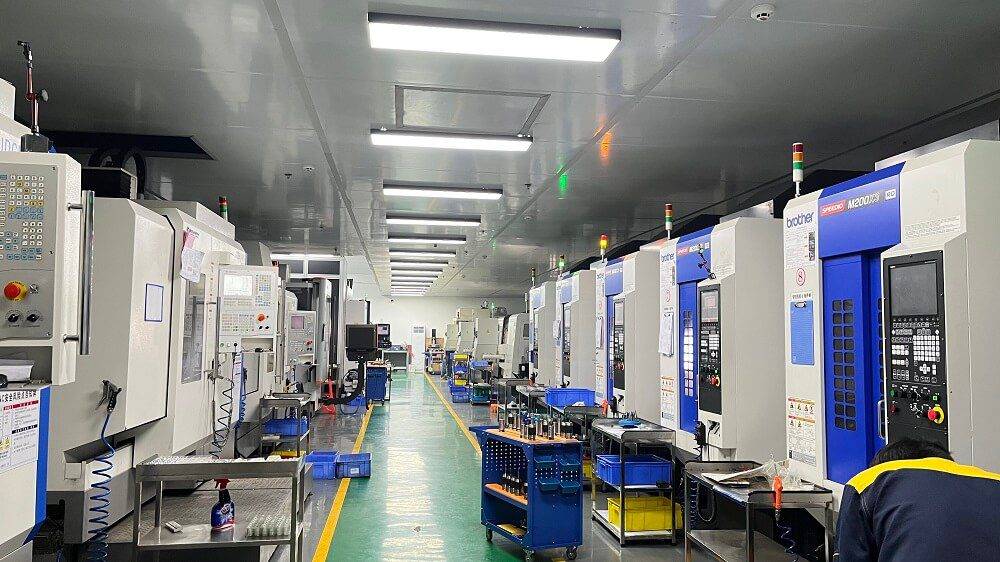
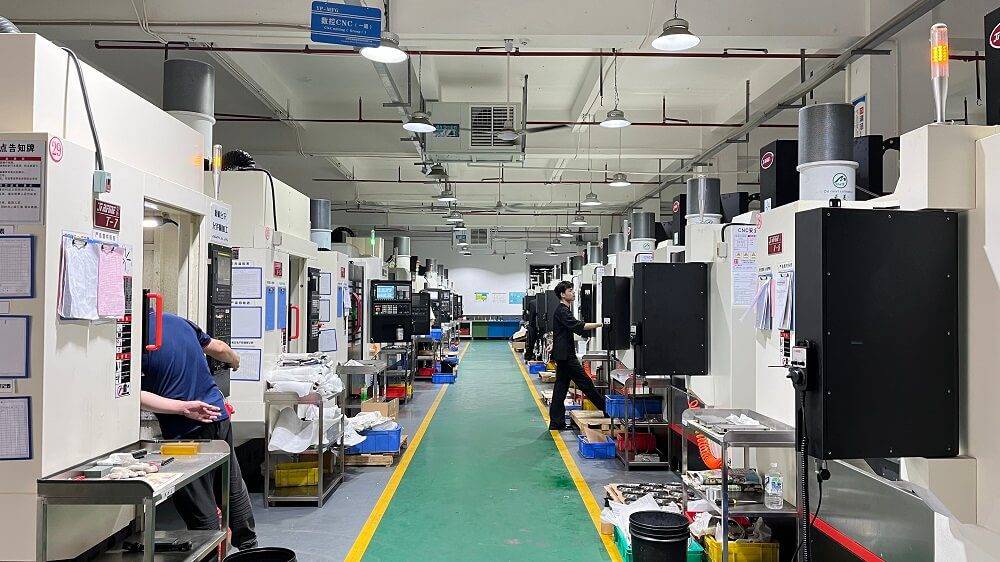
CNC machine programming software converts part designs into machine-readable code (G-code) that controls CNC equipment. The right software depends on your part complexity, material, machine type, and production volume. Choosing incorrectly can lead to programming errors, longer setup times, and increased scrap rates.
If you are sourcing machined parts or setting up in-house production, the cnc machine programming software you use directly affects lead time, cost, and part quality. Many buyers focus only on machine specs and overlook how the software handles toolpaths, tolerances, and material behavior. This gap often causes delays and rework.
How CNC Machine Programming Software Works
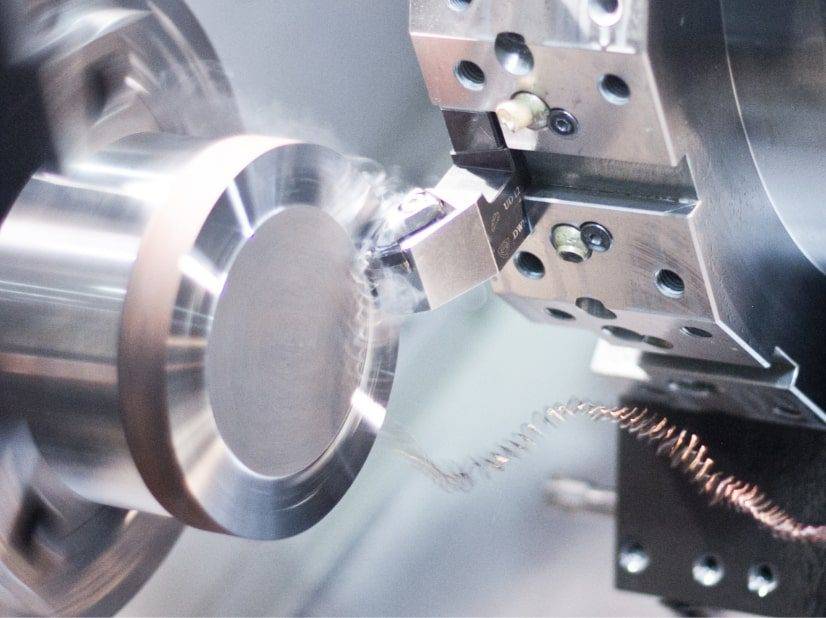
CNC programming software translates a 3D CAD model into a set of instructions the machine can follow. The software calculates tool paths, spindle speed, feed rate, and coolant use based on the material and geometry.
Most programs output G-code, which is the standard language for CNC machines. Some systems also support post-processors that tailor the code to a specific machine brand or controller.
The accuracy of the output depends on how well the software handles toolpath optimization, collision detection, and material-specific parameters.
Types of CNC Machine Programming Software
Different applications call for different software types. The table below compares the most common categories:
For most custom CNC machining projects, CAM-based software provides the best balance of capability and flexibility.
Key Factors When Choosing CNC Machine Programming Software
1. Part geometry complexity
If your parts involve 3D surfaces, tight tolerances, or multi-axis machining, you need software with advanced toolpath simulation and collision detection. Simpler 2D parts may only need basic CAM or conversational programming.
2. Machine compatibility
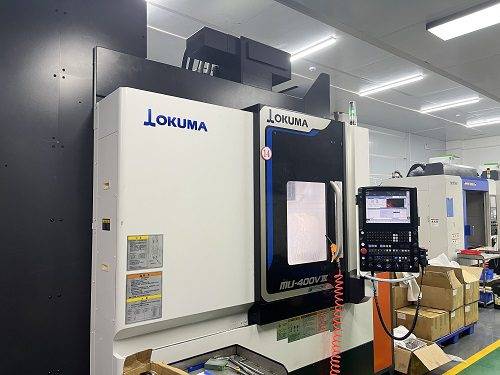
Not all software works with every machine. Check whether the software supports your specific controller model and includes a compatible post-processor. Without proper post-processing, the machine may not interpret the code correctly.
3. Material-specific parameters
Different materials require different cutting speeds, feeds, and tool materials. Good software includes libraries for common machining materials like aluminum, steel, titanium, and plastics. Custom parameters may be needed for specialty alloys.
4. Learning curve and support
Some software packages take weeks to learn. If your team lacks programming experience, consider solutions with built-in tutorials, templates, or technical support from the supplier.
5. Integration with CAD systems
Many programming tools work best when paired with a specific CAD platform. Direct integration reduces file conversion errors and speeds up the workflow.
Risks of Using the Wrong Software
Toolpath errors leading to tool breakage or scrap parts
Longer programming time compared to optimized alternatives
Inconsistent surface finish due to incorrect feed or speed settings
Compatibility issues when switching between machine brands
Higher training costs if the interface is not intuitive
To minimize these risks, many buyers choose to work with a CNC machining service provider that already uses proven programming software and has experience with their part type.
Common Questions About CNC Machine Programming Software
Do I need separate CAD and CAM software?
Not always. Many modern packages include both CAD and CAM in one platform. If your design is simple, an integrated solution saves time. For complex parts, dedicated CAM software often offers more advanced toolpath control.
Can I use the same software for all CNC machines?
It depends on the software and the machine controllers. Some software supports multiple post-processors, allowing you to program different machines from one interface. Others are limited to specific brands.
Is cloud-based CNC programming software reliable?
For many applications, yes. Cloud-based tools offer lower upfront costs and easier team collaboration. However, latency and internet stability can affect performance. Offline-capable versions are safer for production-critical work.
What file formats are commonly used?
The most common input formats are STEP, IGES, and native CAD files like SolidWorks or Fusion 360. Output is typically G-code or machine-specific code via a post-processor.
How long does it take to learn CAM software?
For basic 2D operations, many operators become productive within a few days. Full mastery of 3D and multi-axis programming can take several months of regular use.
Does software affect machining cost?
Yes. Efficient programming reduces cycle time,tool wear, and scrap. Poor software choices add hours to each run, especially for complex or repeat orders.
Making the Right Programming Decision for Your Parts
The software behind your CNC machining process directly impacts part quality, delivery speed, and total project cost. Rather than guessing which tool fits, evaluate your typical part geometry, machine types, and in-house programming skills.
If your team lacks experience with a specific software platform, consider outsourcing programming to a partner who already uses proven tools. YPMFG supports customers by reviewing part specifications and recommending the most efficient programming approach for each project. You can send your CAD files for evaluation and receive feedback on feasibility, cycle time estimates, and cost.
Choosing the right programming software is not just about features—it is about matching the tool to your real production needs.