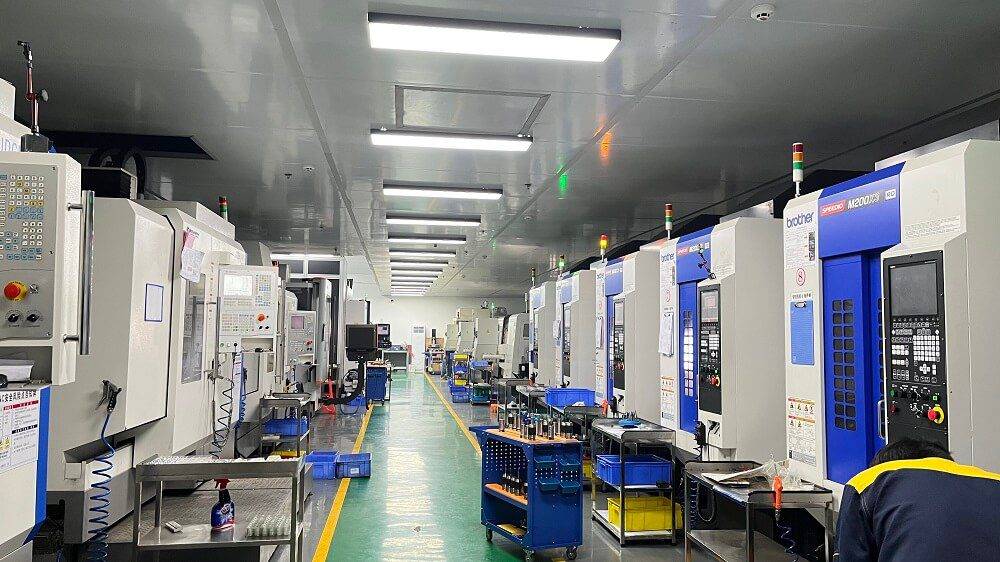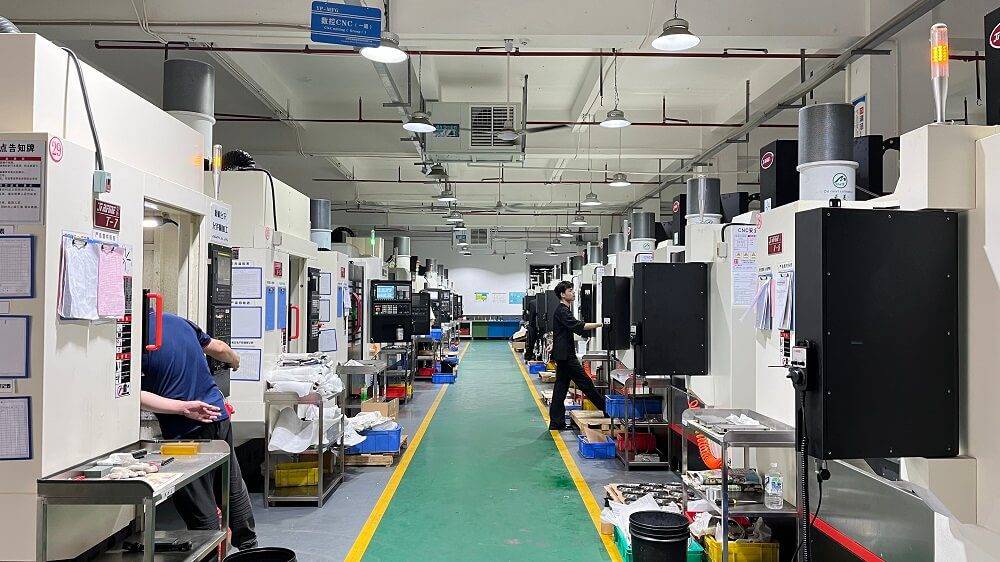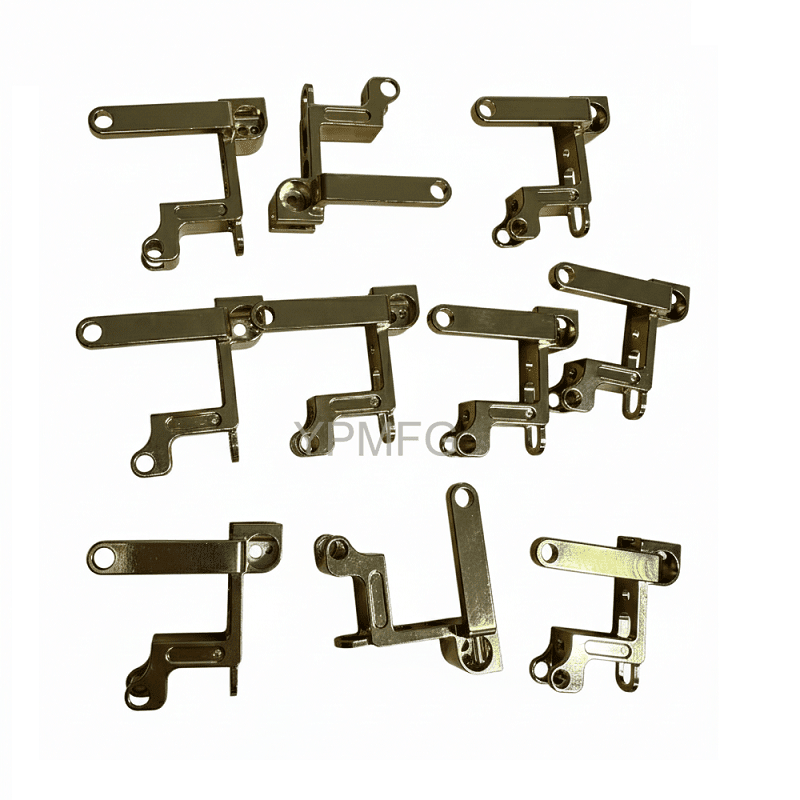
CNC machine programs are the set of instructions that control automated machining tools, dictating every movement, speed, and operation. This guide provides a practical, step-by-step understanding of CNC programs—from basic G-code structure to advanced optimization strategies—so you can write, troubleshoot, and improve programs for any CNC machine. No brand names are used; only industry-common methods and real-shop scenarios are referenced.
01What is a CNC Machine Program?
A CNC machine program is a sequence of alphanumeric commands that tells a computer numerical control (CNC) machine how to move, what spindle speed to use, when to turn coolant on/off, and when to change tools. The most common language is G-code (preparatory functions) and M-code (miscellaneous functions).
Example scenario: A shop receives a job to mill six identical pockets in an aluminum plate. Instead of manually moving handles each time, the operator writes one CNC program and runs it six times. The program ensures each pocket is exactly the same depth, width, and position, with zero deviation.
Core components of any CNC program:
Program start (eg, O0001) – unique identifier
Safety block (eg, G21 G17 G40 G49 G80 G90) – sets units, plane, cancels previous cycles
Tool selection (eg, T1 M06) – picks tool #1
Spindle and coolant (eg, S5000 M03 M08) – spindle speed 5000 RPM, clockwise, coolant on
Rapid positioning (G00) – moves tool near workpiece
Cutting moves (G01, G02, G03) – linear, arc interpolation
Tool retract and end (G00 Z100; M30) – move up, end program
> First keyword insertion (G-code): G-code is the fundamental language of CNC machine programs; mastering G00 (rapid), G01 (linear feed), and G02/G03 (arcs) covers 90% of daily machining tasks.
02How to Write a CNC Program (Step-by-Step)
Follow this structured method, used daily in machine shops worldwide.
Step 1 – Analyze the part drawing. Identify dimensions, tolerances, features (holes, pockets, contours), and material.
Step 2 – Choose tooling and cutting data. For example: a 10mm end mill for roughing, 6mm ball end mill for finishing. Calculate spindle speed (RPM) and feed rate (mm/min) based on tool manufacturer data and material.
Step 3 – Define work coordinate system. Use G54 to set part zero (X0, Y0, Z0). Common practice: top surface and front-left corner.
Step 4 – Write the program in logical order:
Program number and safety block
Load first tool, start spindle/coolant
Rapid to safe plane (eg, Z10)
Move to first position (X0 Y0)
Feed to cutting depth (G01 Z-2.0 F200)
Machine the contour (G01 X50 Y0)
Retract, end tool, change next tool
Repeat for all operations
Program end M30
Step 5 – Add comments. Use parentheses (eg, (ROUGH POCKET)). Comments help operators and future programmers.
Step 6 – Simulate the program before cutting material. Most modern controls have graphic simulation; external software can also verify.
Step 7 – Test in dry-run (no material) or with single-block mode. Verify all moves are safe.
Real-shop case: A machinist once forgot to include G90 (absolute positioning) after a G91 (incremental) loop. The program moved the tool 50mm in X – but from the wrong reference, crashing into the vise. This is why simulation is mandatory.
> Second keyword insertion (simulation): Always run simulation before actual machining; simulation detects collisions, overtravels, and incorrect feedrates, saving thousands of dollars in tooling and workpiece damage.
03CNC Program Structure: Blocks, Words, and Addresses
Every CNC program consists of blocks (lines), each block contains words (eg, X50.0), and each word has an address (X) and a value (50.0).
Most common addresses:
N – Block number (optional, but helpful for troubleshooting)
G – Preparatory function (G00, G01, G81, etc.)
M – Miscellaneous function (M03 spindle on, M08 coolant on)
X, Y, Z – Position coordinates
I, J, K – Arc center offsets or incremental distances
F – Feed rate (units per minute or per revolution)
S – Spindle speed (RPM)
T – Tool number
H, D – Tool length offset and diameter offset
Example block: N10 G01 X25.5 Y30.0 F1500 S6000 M03
Interpretation: Block 10, linear feed to X=25.5mm, Y=30mm at 1500mm/min, spindle 6000 RPM clockwise.
> Third keyword insertion (post processor): A post processor converts CAM-generated toolpaths into machine-specific CNC programs; without a correct post processor, even perfect toolpaths may cause scrap parts due to unsupported G-codes or wrong arc formats.
04Common CNC Programming Mistakes (and How to Avoid Them)
Based on years of shop-floor observations, these are the top 5 errors:
1. Missing or incorrect G90/G91 – Using incremental mode when absolute is expected. Fix: Always set G90 at the safety block.
2. Wrong plane selection – G17 is XY plane (standard for milling). G18 (XZ) or G19 (YZ) for special cycles. Fix: Set G17 explicitly.

3. No safe retract height – Tool moves directly from cut to next position, scraping the part. Fix: Use G00 Z5.0 after each operation.
4. Missing decimal points – Some controls treat X50 as 0.0050mm vs. X50.0 as 50.0mm. Fix: Always use decimal point for clarity.
5. Forgetting M30 or M99 – Program never ends or repeats improperly. Fix: End with M30 (program reset and rewind).
Real case: A shop ran a program that omitted M08 (coolant on) for a deep hole drilling cycle. Chips packed and broke a $200 carbide drill. Adding M08 fixed it.
05Advanced CNC Program Features (Improving Productivity)
Once basic programming is mastered, use these features to reduce cycle time and improve reliability.
Subprograms (M98/M99) – Call a reusable sequence from a separate program. Useful for identical pockets on multiple parts. Example: M98 P1000 L4 calls O1000 four times.
Canned cycles – G81 (drill), G83 (peck drill), G84 (tap), G76 (fine boring). Reduce many lines to one. Example: G81 X10 Y20 Z-15 R2 F200 – drill one hole.
Macro programming (variables) – Use #100 series for common variables. Example: #100 = 50.0; G01 X[#100] Y0 moves X to 50.0. Macros allow parametric parts (one program fits many sizes).
High-speed machining (HSM) toolpaths – Generated by CAM, but hand-coded programs can use smooth G02/G03 arcs instead of many small G01 segments.
> Fourth keyword insertion (CAD/CAM): For complex 3D surfaces, CAD/CAM software automatically generates CNC machine programs; however, you still need to manually edit start-up blocks, tool changes, and post-processor settings for the specific machine control (Fanuc, Haas, Siemens, etc.).
06How to Optimize CNC Programs for Speed and Quality
Follow this checklist before sending a program to the shop floor:
Optimization Area 1 – Reduce rapids travel
Arrange operations so the tool moves shortest distance between holes/features. Use G00 with diagonal moves (X and Y simultaneously).
Optimization Area 2 – Minimize tool changes
Group same-diameter operations together. Each tool change costs 3-10 seconds.
Optimization Area 3 – Use appropriate feedrates
Not too slow (wastes time) nor too fast (breaks tools). Refer to tool manufacturer's chip load charts.
Optimization Area 4 – Add dwell (G04) for deep holes
G04 P500 pauses 0.5 sec to clear chips – prevents tool breakage.
Optimization Area 5 – Enable high-speed options
If your control supports look-ahead (G05.1 Q1 on Fanuc), activate it for contour milling.
Real shop example: A shop cut cycle time from 12 minutes to 7 minutes by simply reordering tool changes – first drill all holes with a 6mm drill, then mill all pockets with an 8mm end mill, instead of alternating.
07Frequently Asked Questions (Q/A Format)
Q1: What is the most reliable way to learn CNC machine programs?
A: Start with hand-coding simple parts (square pocket, circular boss) on a simulator, then run on a real machine under supervision.
Q2: How do I choose between G90 absolute and G91 incremental?
A: Use G90 (absolute) for all positions from a fixed zero; use G91 only for repetitive patterns (like drilling a grid).
Q3: Why does my CNC program stop with an "illegal G-code" alarm?
A: Your control does not support that G-code. Consult the machine manual – common for older controls (eg, G02.1 missing).
Q4: Can I use the same program on different CNC brands?
A: No – each brand (Fanuc, Haas, Siemens) has its own G-code dialects. Use a post processor to convert your CAM output.
Q5: What is the fastest way to debug a long CNC program?
A: Run in single-block mode with distance-to-go display. Check each coordinate at each block against expected values.
Q6: How often should I back up my CNC programs?
A: Back up after every successful program – use USB, network, or DNC. Machine memory can fail or be accidentally cleared.
Q7: What does "cutter compensation" (G41/G42) do?
A: It adjusts the tool path left or right of the programmed contour to compensate for actual tool diameter – critical for precision.
Q8: Is macro programming worth learning?
A: Yes – macros let one CNC machine program run families of parts without rewriting, saving hours of programming time.
Q9: How do I avoid breaking tools on the first run?
A: Set a temporary Z-offset (eg, +10mm in work offset) and run the program – then lower incrementally until correct depth.
Q10: What is the difference between M00 and M01?
A: M00 always stops the program; M01 stops only if “optional stop” button is on. Use M01 for safe checks.
08Actionable Conclusion: Your Next Steps to Master CNC Machine Programs
To consistently produce high-quality, collision-free CNC machine programs, follow this three-step action plan:
1. Learn the core G-code set (G00, G01, G02, G03, G90, G91, G80, G81, G83, G98, G99, M03, M05, M06, M08, M09, M30). Practice writing a simple facing program on paper and simulate it.
2. Adopt a verification habit – Always run simulation AND single-block test for the first part. Document every crash or near-miss to avoid repeating mistakes.
3. Optimize progressively – After a program runs safely, time each operation. Look for the slowest segment and improve it (faster feed, less rapids travel, combine tools). Repeat.
Core takeaway: CNC machine programs are the brain of automated manufacturing. A well-written program is safe, fast, and produces identical parts every time. A poorly written program leads to scrap, broken tools, and machine damage. By following structured programming, verifying with simulation, and continuously optimizing, you can turn any CNC machine into a high-output precision tool.
> Final keyword integration (CNC machine programs): Mastering CNC machine programs transforms raw stock into finished products with micron-level accuracy; keep a personal library of proven subprograms for drilling cycles, pocket roughing, and finishing passes – this library becomes your productivity multiplier.