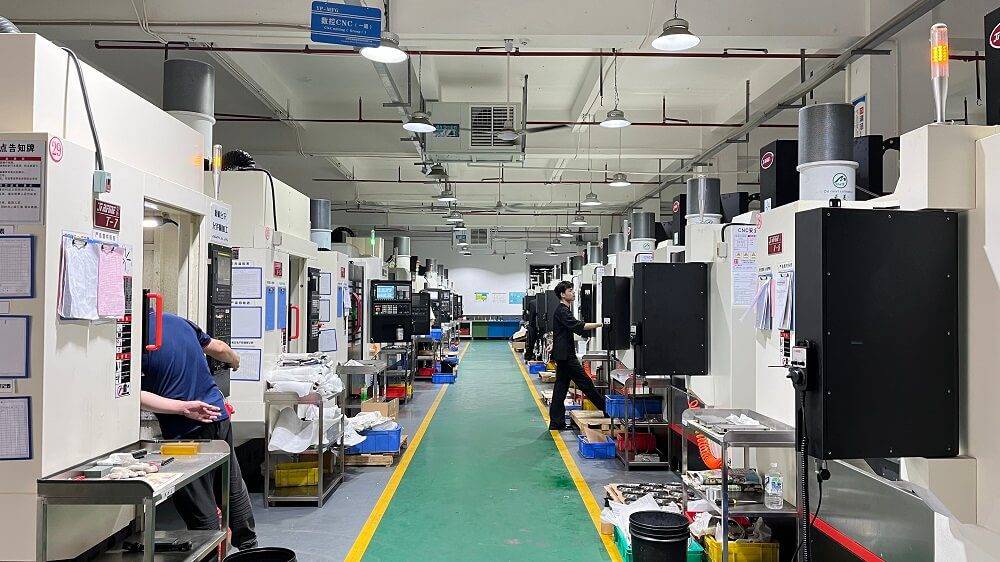
CNC programming is the foundation of modern manufacturing, allowing CNC machines to cut, drill, mill, and shape parts with exceptional precision. To learn CNC programming effectively, it is essential to understand G-code, M-code, coordinate systems, tool offsets, and machining path planning. Based on the widely used ISO 6983 standard and real-world machining practices, this guide provides a clear, practical, and step-by-step approach for beginners and manufacturing professionals who want to master CNC programming.
01Core Concepts You Must Know
G-codes (Preparatory Functions)
Control machine movements and modes. Common examples:
G00 – Rapid positioning (move fast without cutting)
G01 – Linear interpolation (straight line cutting)
G02 – Circular interpolation clockwise
G03 – Circular interpolation counterclockwise
G90 – Absolute positioning
G91 – Incremental positioning
M-codes (Miscellaneous Functions)
Control auxiliary machine actions:
M03 – Spindle on (clockwise)
M05 – Spindle stop
M08 – Coolant on
M30 – Program end and rewind

Coordinate Systems
Machine Zero – Fixed reference point on the machine
Work Zero (Part Zero) – Programmable origin set by G92 or work offsets (G54–G59)
Absolute vs. Incremental – Use G90 for absolute coordinates (all positions from a single zero), G91 for incremental (each move from current position)
Tool Offsets (Length & Diameter)
Compensate for actual tool dimensions using H (length offset) and D (diameter offset) codes.
02Step-by-Step CNC Programming Process
Step 1: Analyze the Engineering Drawing
Identify dimensions, tolerances, features (holes, pockets, contours), and material. Example: A 100×80×20 mm aluminum block requires a 50×40 mm rectangular pocket, 5 mm deep.
Step 2: Select Cutting Tools and Parameters
Tool diameter: 10 mm end mill
Spindle speed: 3000 RPM
Feed rate: 500 mm/min
Depth per pass: 2 mm
Step 3: Write the Program (Manual Example)
O1001 (RECTANGULAR POCKET)
G90 G17 G21 G40 G80 (Absolute, XY plane, metric, cancel offsets)
G54 (Work coordinate system)
M06 T01 (Change to tool 1)
M03 S3000 (Spindle on, 3000 RPM)
G00 X10 Y10 Z5 (Rapid to start point above part)
G01 Z-2 F100 (Plunge first cut)
G01 X90 F500 (Cut right side)
G01 Y70 (Cut top side)
G01 X10 (Cut left side)
G01 Y10 (Cut bottom side)
G00 Z5 (Retract)
G00 X0 Y0 (Return to home)
M05 (Spindle off)
M30 (End)

Step 4: Simulate and Verify
Use a CNC simulator (e.g., LinuxCNC, or built-in machine simulation) to check for collisions, overtravel, or wrong moves. Always simulate before running on real material.
Step 5: Run on Machine (Test in Air First)
Set work offset (G54) by touching off the part
Load program
Run with “Single Block” and low rapid override
Verify first part with calipers/micrometer
03Common Real-World Case: Drilling 6 Holes on a Pitch Circle
A workshop operator needs 6 equally spaced holes on a 60 mm diameter circle, 10 mm deep. Using G-code with a canned cycle (G81):
G90 G54 G17
G00 X30 Y0 (Hole 1 position)
G81 Z-10 R2 F200 (Drill cycle)
G68 X0 Y0 R60 (Rotate 60 degrees – but simpler: calculate coordinates)
Alternative manual coordinates:
Hole 1: (30,0)
Hole 2: (15,25.98)
Hole 3: (-15,25.98)
Hole 4: (-30,0)
Hole 5: (-15,-25.98)
Hole 6: (15,-25.98)
Write each with X Y and repeat G81.
04Safety and Quality Rules (ISO 12100)
Never leave the machine unattended during program execution
Always set a safe tool change position (e.g., G91 G28 Z0)
Use feed hold and emergency stop as needed
Verify tool offsets before cutting
05Actionable Recommendations to Master CNC Programming
- Start with simple 2D parts, such as milling a square, drilling a hole, and machining a pocket. These basic operations help you gradually understand coordinate movements, toolpaths, and machining sequences in CNC programming.
- Before using CAM software, practice writing CNC programs by hand for at least 10 different machining features, such as outside profiles, holes, slots, steps, arcs, and pockets. Hand-coding helps you truly understand the logic of G-code and M-code instead of relying entirely on automatically generated programs.
- Use free CNC simulation tools, such as the CNC Simulator Pro trial version or NCViewer. Simulation allows you to check toolpaths in advance, identify potential errors, and reduce the risk of mistakes during actual machining.
- Study official technical documentation and industry standards, such as ISO 6983 summaries from national standards bodies like ANSI or DIN. Understanding standardized programming rules helps you write more consistent, stable, and reliable CNC programs.
- Keep a reference card of commonly used G-codes and M-codes near your CNC machine for quick access. For beginners, this can greatly improve programming efficiency and reduce errors caused by incorrect code recall.
The core takeaway is that CNC programming follows a systematic machining logic. Once you understand G01 linear interpolation, G02/G03 circular interpolation, work offsets, tool compensation, and canned cycles, you can recognize the basic structure of most CNC programs. Every complex part is essentially a sequence of these fundamental movements and machining commands.
Commit to writing one CNC program every day, simulate the toolpath, and verify that the machining logic is correct. Consistent practice helps build the precision, programming mindset, and confidence required for professional CNC machining.