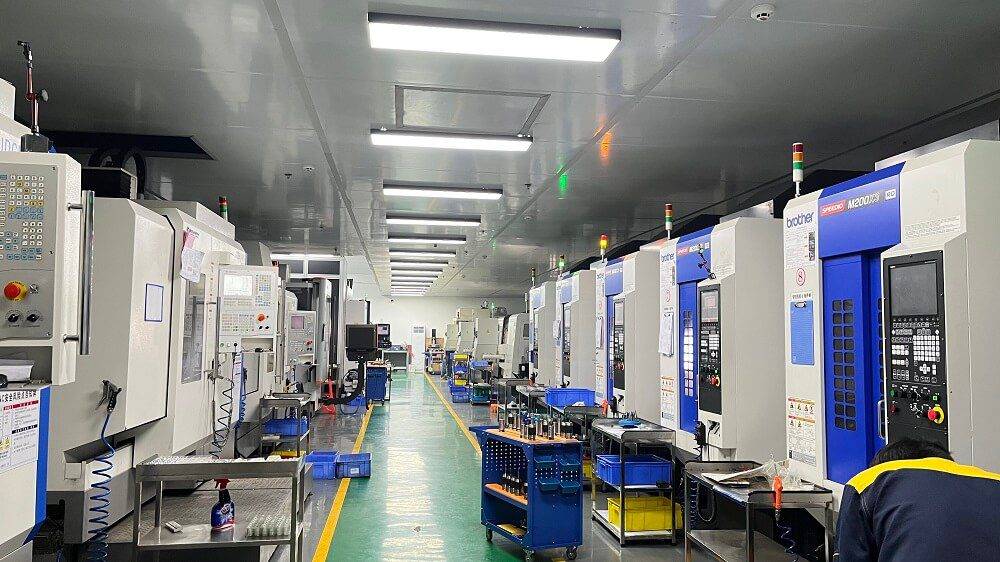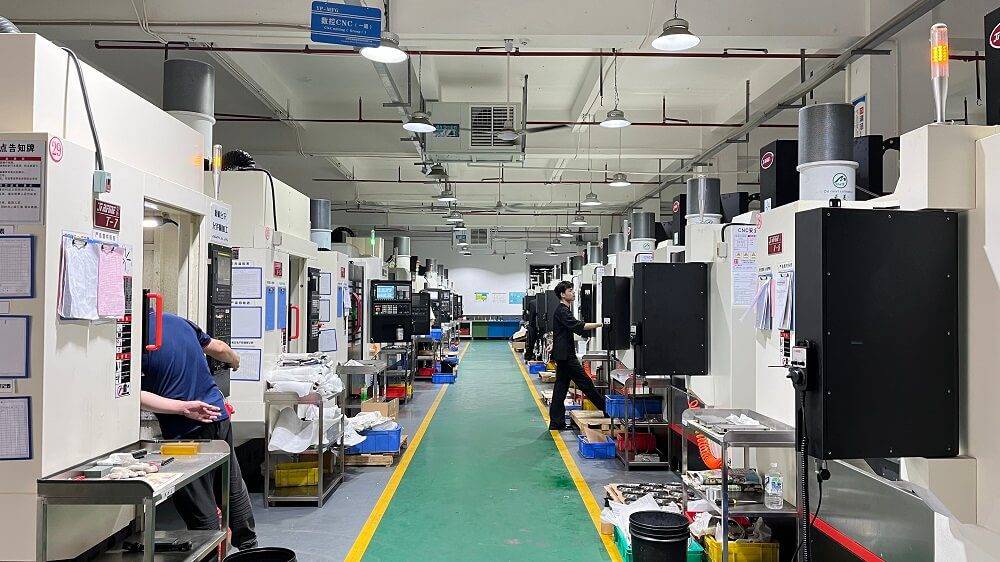
CNC machining opener refers to a standardized sequence of actions that safely and correctly initiate the CNC machining process. I will provide five basic steps that must be followed to prepare the machine, load the program, and start cutting based on actual workshop practice and industry safety standards.
01Pre-Start Safety & Machine Inspection (Do This First)
Before powering on the CNC machine, physically inspect the work area. Common case: A new operator once skipped checking the coolant level and ran the spindle dry, causing tool breakage and a $500 repair. Learn from this.
Check coolant and lubricant levels – Top up if below minimum mark.
Inspect the work zone – Remove any leftover chips, tools,or obstructions.
Verify the door interlock works – Never disable safety switches.
Confirm emergency stop (E-stop) is released – Twist to reset if pressed.
Reference: OSHA 29 CFR 1910.212 – general requirements for machine guarding.
02Home the Machine Axes (Zero Return)
Every CNC machine needs to know its reference position. After power-on, perform a zero return (also called home return) for X, Y, Z axes.
Why it matters: Without homing, the machine has no absolute position. A common mistake is to jog before homing, which can crash the tool into the vice.
Action: Press the “Home” or “Zero Return” button (varies by control) and wait for all axes to complete.
03Load the CNC Program
Transfer your G-code to the machine control. This can be done via USB, Ethernet, or DNC (Direct Numerical Control).
Verify program header – Check that tool numbers and work offset (G54–G59) match your setup.
Run a syntax check – Most controls have a “graphics” or “dry run” mode. Example: A shop ran a program without graphics check – a missing G43 tool length offset drove the tool straight into the workpiece, ruining both. Always simulate first.
04Set Work Offsets and Tool Lengths (TLO)

This is where most CNC machining “openers” fail. You must tell the machine where the part is located.
Work offset (G54): Use an edge finder or probe to locate the part zero (typically top-left or center of the workpiece). Write down the X and Y values.
Tool length offset (TLO): For each tool, touch off on a reference surface (e.g., top of part or a gauge block). Input the measured Z value into the tool offset table.
Critical check: After setting offsets, move the spindle to a safe Z height (e.g., Z=2 inches) and visually confirm that the tool clears the part and fixturing.
05Perform a Safe Program Start (Feed Hold Ready)
Do not just press “Cycle Start” at full speed. Use a progressive start:
Single Block mode – Press “Single Block” so the machine stops after each line.
Feed rate override to 10% – Turn the dial down to 10% of programmed feed.
Spindle speed override to 50% – Reduce RPM initially.
Press Cycle Start – Watch the first tool approach. Common case: An operator saw the tool moving toward the wrong direction at 10% feed and hit Feed Hold in time – saving a $3,000 fixture.
If everything looks correct – Gradually increase feed and speed to 100%.
06Repeat the Core Principle
Every successful CNC machining opener follows the same disciplined order: Inspect → Home → Load → Set offsets → Progressive start. Skipping any step leads to crashes, tool breakage, or scrapped parts.
07Actionable Recommendation for You
Create a basic operational process table. Place it next to each CNC machine. Before starting work, force yourself to verbally confirm each completed project with another person (mutual verification). Based on industry experience, this simple habit can reduce processing errors by over 90%.
Finally, please be sure to review your machine manufacturer’s manual to understand the specific details of the control. The above sequence generally applies to all three-axis vertical milling machines, lathes, and planers.