Quick answer:
CNC controller software is the program that interprets G-code and manages machine movement, tool speed, and cutting accuracy on CNC machines. It directly affects part quality, cycle time, and machine uptime. Choosing the wrong software can lead to poor surface finish, tool crashes, and inconsistent tolerances. For professional machine shops, software reliability and compatibility with existing hardware are more important than feature lists.
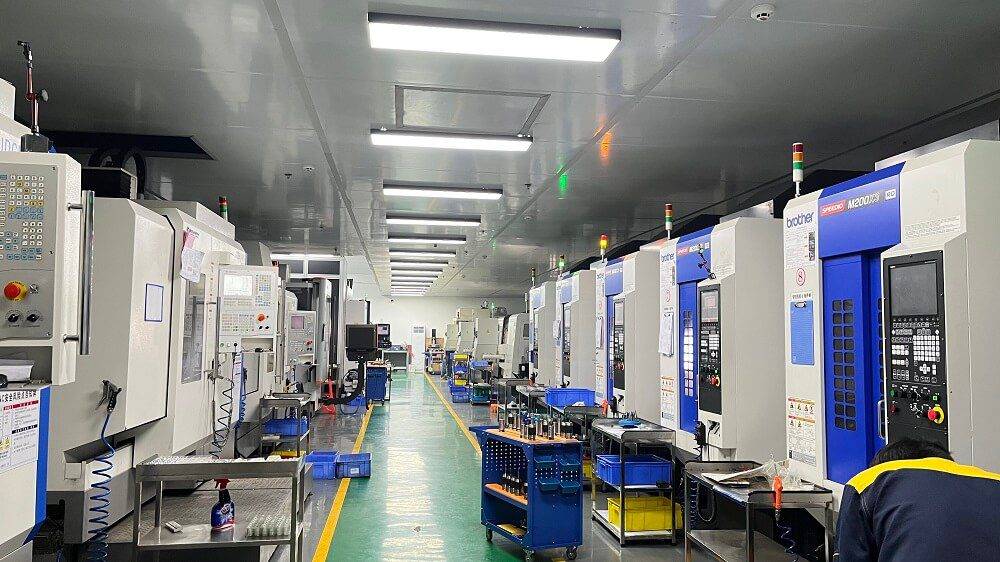
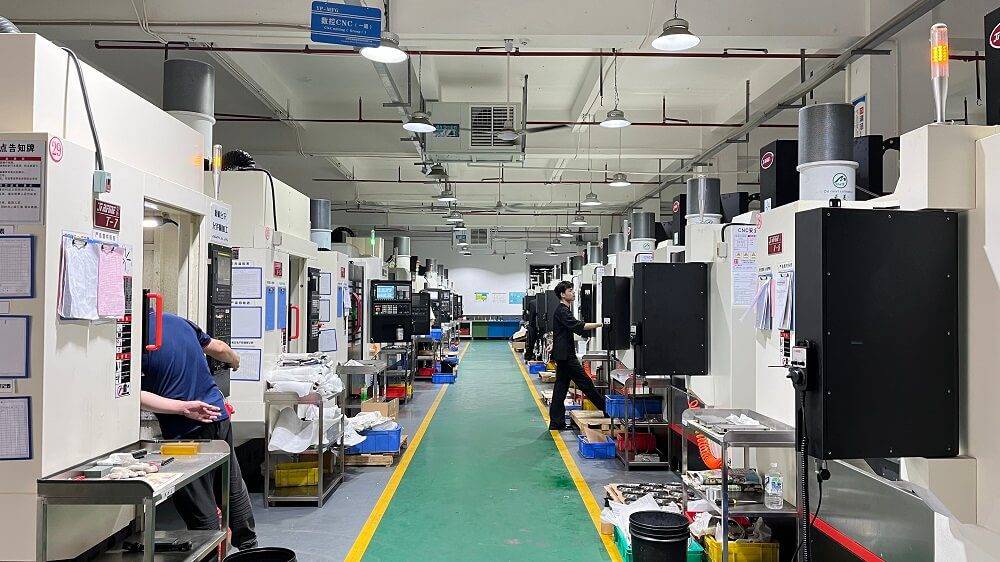
If you operate a CNC machine shop that supplies precision parts to aerospace, automotive, or medical industries, you already know that machine uptime and repeatability define your profitability. Yet many shops treat the controller software as a secondary decision. The reality is that your software determines how well your machine can hold tight tolerances, how quickly you can switch between jobs, and how easily your team can troubleshoot errors. This article helps you evaluate CNC controller software from a practical, shop-floor perspective.
What CNC Controller Software Does
CNC controller software acts as the bridge between your CAD/CAM output and the physical machine. It reads G-code, interprets toolpath commands, and sends signals to motors, spindles, and coolant systems. Without reliable software, even the best CAM program cannot produce accurate parts.
The software also handles real-time adjustments. It monitors spindle load, adjusts feed rates, and manages tool change sequences. For shops running lights-out operations or unattended machining, software stability directly impacts machine utilization and scrap rates.
Modern CNC controller software also supports diagnostic logging, remote monitoring, and integration with production scheduling systems. These features help shop managers identify bottlenecks and reduce setup time between jobs.
Types of CNC Controller Software
There are two main categories: proprietary software bundled with specific machine brands and open-platform software that works across multiple hardware vendors.
Proprietary software is optimized for the machine it ships with. It often includes brand-specific features, tighter integration, and dedicated support. The downside is limited flexibility. You cannot easily switch to another brand without replacing the entire controller.
Open-platform software, such as LinuxCNC or Mach4, runs on standard PC hardware. It offers greater customization, lower upgrade costs, and the ability to retrofit older machines. However, it requires more technical expertise to configure and maintain.
Some mid-range systems offer a hybrid approach. They use commercial software with a vendor-specific hardware layer. This provides a balance between performance and flexibility.
Key Factors to Consider When Choosing CNC Controller Software
Compatibility with your machine hardware is the first and most critical factor. Not all software supports all drive systems, encoders, or spindle interfaces. Check whether the software supports your machine’s control architecture before evaluating other features.
Ease of use affects your team’s productivity. A steep learning curve slows down setup and increases the risk of operator errors. Look for software that provides clear error messages, intuitive toolpath previews, and simple parameter adjustment.
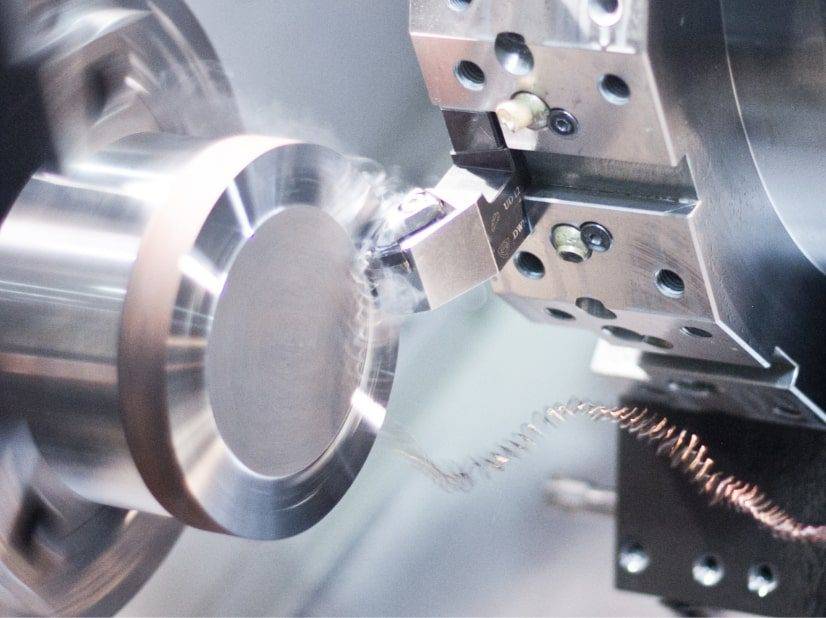
Real-time performance determines how well the software handles complex toolpaths and high-speed machining. Latency or jitter can cause visible surface marks, tool deflection, or chatter. Test the software on your most demanding part geometry.
Support and updates matter for long-term reliability. Software vendors that provide regular updates, bug fixes, and responsive technical support reduce downtime. If your shop runs critical deadlines, ask about response times and escalation paths.
YPMFG supports shops that need to evaluate controller software compatibility before committing to a retrofit or new machine purchase. You can send your current machine specifications to YPMFG for an engineering assessment.
Common Mistakes When Selecting CNC Controller Software
One frequent mistake is choosing software based on price alone. Low-cost software may lack critical safety features, such as collision detection or soft limits. Repairing a crashed spindle costs far more than the price difference between software packages.
Another common error is ignoring post-processor compatibility. Even if the software reads G-code, it may not interpret your CAM output correctly. Inconsistent post-processing leads to unexpected tool movements and scrapped parts.
Some shops also overlook network security. Modern CNC controller software often connects to shop networks for data transfer or remote monitoring. Unsecured software can expose your production data or allow unauthorized access to machine controls.
CNC Controller Software Comparison Table
The table shows that no single type fits all applications. Job shops with mixed machine brands often benefit from open-platform software,while high-production facilities may prefer proprietary systems for their reliability and vendor support.
Questions Buyers Often Ask About CNC Controller Software
Can I use the same controller software on different machine brands?
It depends on the software. Open-platform software like LinuxCNC supports multiple hardware configurations. Proprietary software is usually locked to one brand. Always verify compatibility with each machine before purchasing.
Does CNC controller software affect part accuracy?
Yes, significantly. Software that introduces latency or rounding errors can cause dimensional variation. For tight tolerances, choose software with sub-millisecond response times and verified G-code interpretation.
What is the difference between CNC controller software and CAM software?
CAM software generates the toolpath and outputs G-code. CNC controller software executes that G-code on the machine. Both are essential, but they serve different functions. Compatibility between them is critical.
How often should I update CNC controller software?
Update when the vendor releases a security patch or a bug fix that addresses a problem you have encountered. Avoid updating mid-production unless the fix is critical. Test updates on a non-production machine first.
Can I retrofit an old machine with modern controller software?
Yes. Many shops retrofit older machines with open-platform or hybrid software to extend machine life. Retrofitting requires careful evaluation of the existing drive system, encoder signals, and spindle interface.
What safety features should I look for?
Look for soft limits, collision detection, emergency stop integration, and toolpath preview. These features reduce the risk of machine damage and operator injury, especially during unattended machining.
How do I know if my current controller software is causing quality issues?
Monitor surface finish consistency, tool wear patterns, and machine vibration. If parts show unexpected chatter marks or dimensional drift, the controller software may be introducing timing errors. Compare performance on a known good program.
Is cloud-based CNC controller software reliable?
Cloud-based options are emerging but not yet standard for real-time machine control. Latency and network reliability remain concerns. Cloud features are best used for monitoring and data analysis, not for direct machine control.
Choosing the Right CNC Controller Software for Your Application
Selecting the right CNC controller software is a long-term decision that affects your shop’s precision, throughput, and maintenance costs. Start by documenting your machine hardware, typical part tolerances, and production volume. Then compare software options based on compatibility, real-time performance, and support quality.
If you are evaluating a new machine or planning a retrofit, YPMFG can help you assess whether your current or planned controller software meets your production requirements. Send your machine specifications and typical part drawings to YPMFG for a free engineering review. The team can also provide documentation on compatible software setups and help you avoid compatibility issues before you make a purchase decision.