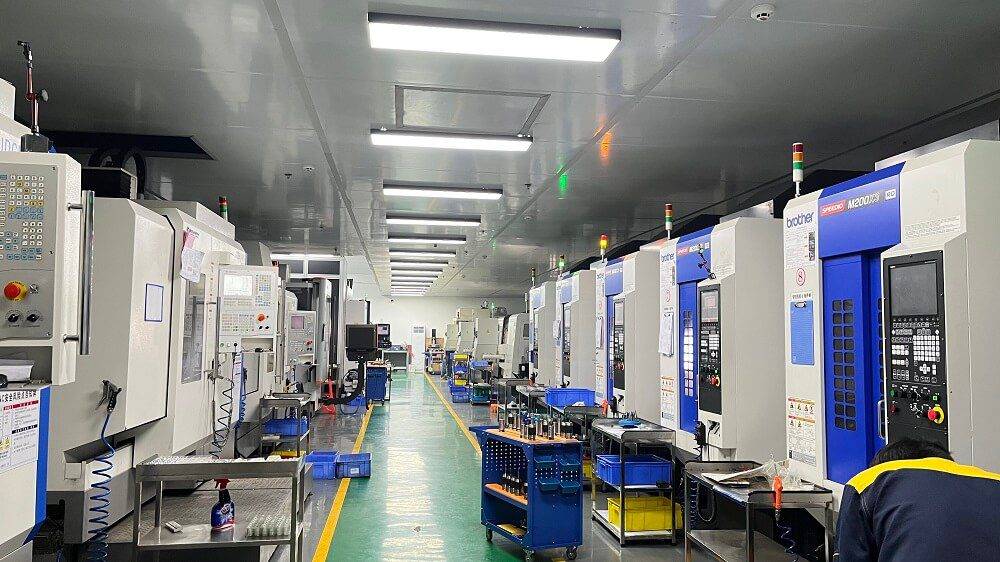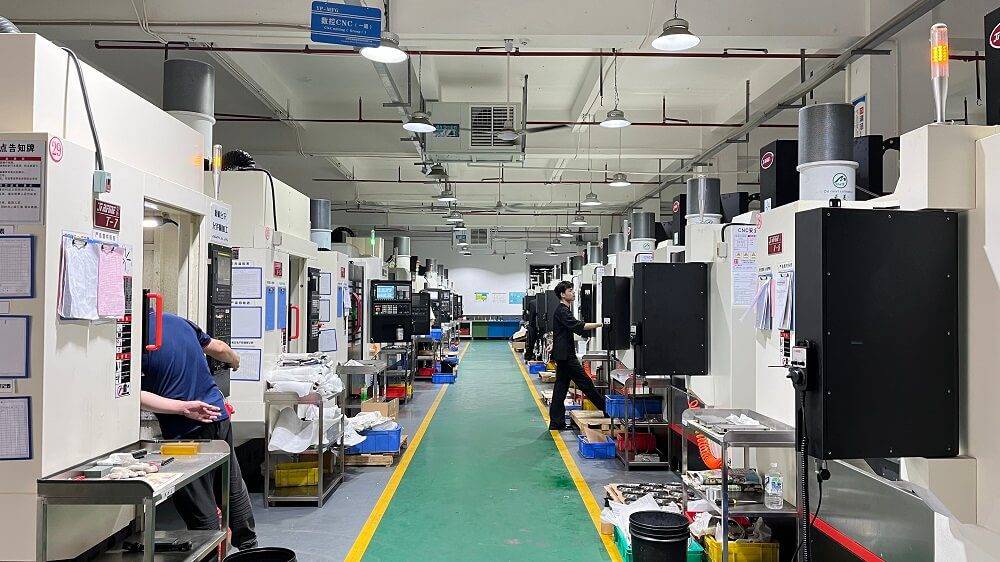
The right CNC machine monitoring software is a digital system that connects to your existing computer numerical control (CNC) machines and collects real-time production data. It tracks machine status, such as running, idle, down, and setup, while calculating overall equipment effectiveness (OEE) to help identify the key issues affecting production capacity.
For any machine shop, choosing the right monitoring solution directly impacts profitability. With real-time data analysis and machine status tracking, manufacturers can reduce unplanned downtime, improve machine utilization, and increase overall throughput. Practical implementation has shown that CNC machine monitoring software can typically improve machine utilization by 15–30% and reduce downtime by up to 40%.
For companies looking to improve CNC machining efficiency and production visibility, YPMFG recommends evaluating not only data collection features, but also OEE analysis, abnormal status alerts, reporting capabilities, and compatibility with existing equipment.
01Core Capabilities That Define “Best”
To qualify as a top-tier solution, CNC machine monitoring software must include the following five non-negotiable features:
Real-time machine data collection – Automatically captures cycle start/end, program run times,alarm states, and part counts via direct machine controller interfaces (e.g., MTConnect, OPC UA, or custom PLC connections). No manual data entry required.
Downtime tracking with root cause classification – Distinguishes between planned downtime (setup, maintenance, breaks) and unplanned downtime (tool breakage, material issues, power loss). Enables operators to log reasons via simple touchscreen menus.
Overall equipment effectiveness (OEE) calculation – Automatically computes OEE = Availability × Performance × Quality, aligned with ISO 22400 standards. Identifies the exact loss category (e.g., micro-stops, slow cycles, rework).
Real-time dashboards and alerts – Displays live machine status on a shop floor monitor or mobile device. Sends instant SMS/email alerts for specific alarms (e.g., spindle overload, coolant low, program errors).
Historical reporting and analytics – Generates shift reports, downtime Pareto charts, part run summaries, and trend analysis over days/weeks. Exportable to CSV/PDF for management reviews.
02Common Real-World Scenario
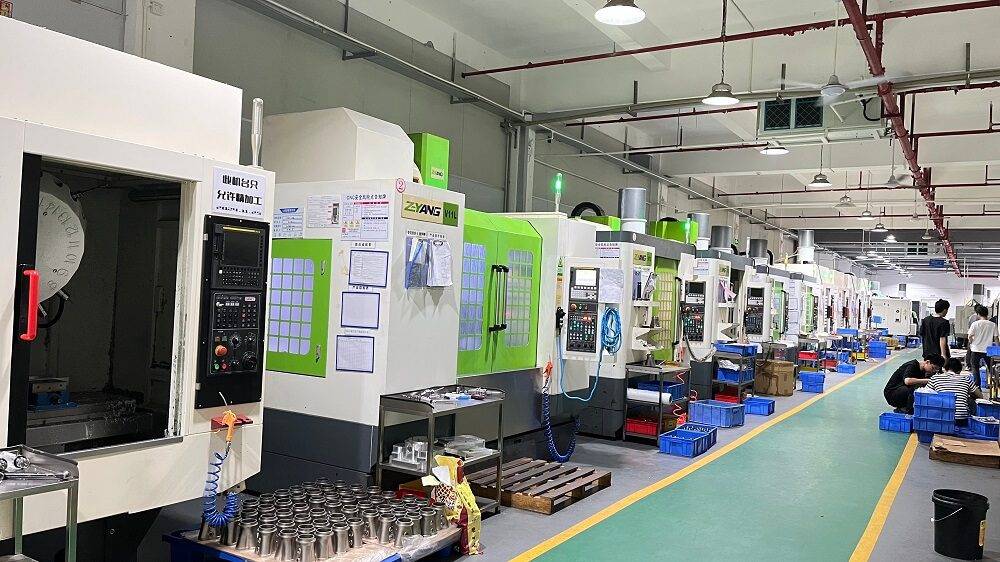
Example – A 15-machine job shop in the Midwest was experiencing frequent unexpected downtime. Operators recorded machine status on paper clipboards, but data was often incomplete or falsified. The production manager had no visibility into why Machine #7 was idle for 4 hours on a Tuesday. After installing a CNC monitoring software (without changing any machines), they discovered:
38% of downtime was due to “waiting for tooling” – resolved by reorganizing the tool crib.
22% was from program verification delays – fixed by offline programming and simulation.
Micro-stops (under 2 minutes) on three older machines accounted for 15% lost time – traced to a worn coolant pump strainer.
Within three months, the shop increased effective machine utilization from 48% to 67%, added 22 more production hours per week without new machines, and reduced overtime by 12%.
03Step-by-Step Selection Process (Do This, Not That)
Follow these five actions to identify the best software for YOUR specific CNC environment:
04Red Flags That Indicate Poor Software (Avoid These)
Requires manual data entry – Operators will forget or skip it. Best software pulls data automatically from the CNC.
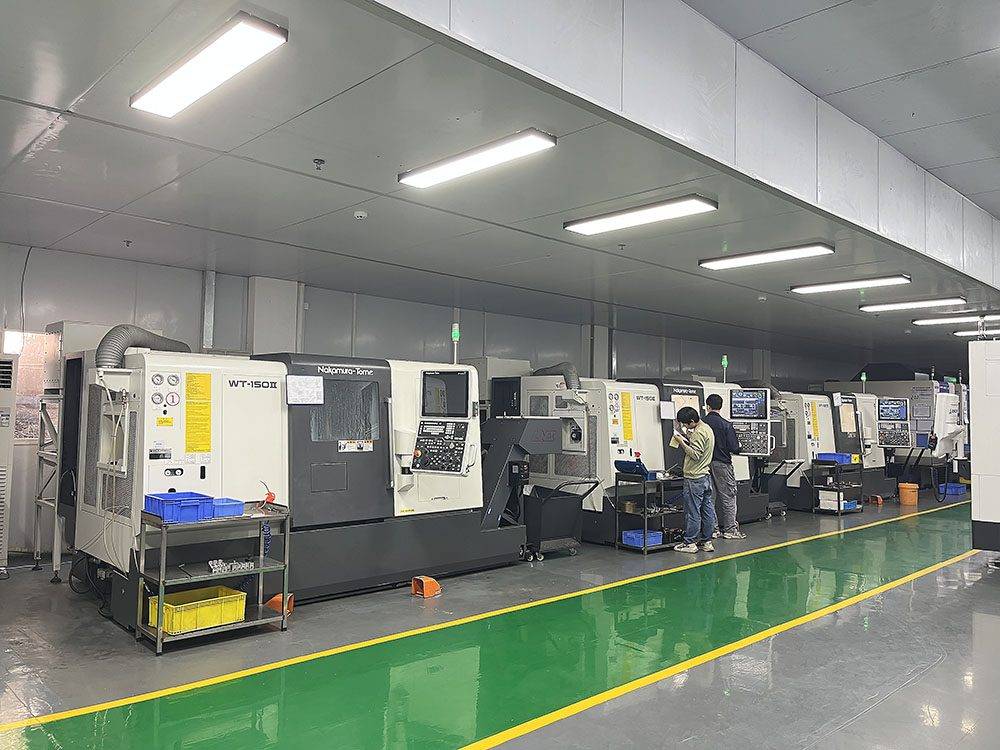
No downtime reason tracking – You’ll see “machine stopped” but never know why. Without root cause, you cannot improve.
Proprietary data format with no export – You cannot benchmark across shifts or feed data to business intelligence tools.
One-time snapshot reports only – Real-time alerts and live dashboards are essential; static reports arrive too late to prevent scrap.
Hidden per-machine licensing fees – Many low-cost systems charge extra for more than 5 machines. Always ask for all-in pricing on your total machine count.
05Actionable Recommendations to Strengthen Your Decision
Start with a pilot on three representative machines – one high-volume, one low-volume, and one that frequently alarms. Run the software for 30 days and compare:
Before-pilot baseline OEE (manually measured for one week)
After-pilot OEE (automatically measured)
Shift supervisor’s qualitative feedback (ease of use, alarm accuracy)
Train operators for 15 minutes – Show them how to log downtime reasons on the shop tablet. The best software makes this a single tap. Without operator buy-in, even the most expensive system fails.
Use the first month to identify your “hidden factory” – Most shops discover that their best machines are idle 20–30% of the time. The software will reveal exactly which shifts, which days, and which operators have the highest utilization.
Integrate with your existing ERP if possible – Connecting real-time production counts to your inventory and invoicing system closes the loop from raw material to shipped part. This requires open API support (see step 4 above).
06Core Conclusion: The Best Software Is the One You Actually Use
No single software is universally “best” for every machine shop. The best CNC machine monitoring software for your operation is the one that meets these key requirements:
It connects reliably to your specific CNC controls, including older machines.
It provides clear real-time visibility without requiring constant operator input.
It tracks downtime root causes in a way that leads to specific corrective actions.
It pays for itself within 6–12 months through measurable OEE improvements.
Final action: Choose two software options that are compatible with your existing equipment and download their 30-day trials. Most vendors offer free trials. Run them side by side on the same two machines for one week, then compare which one delivers cleaner data, a simpler operator interface, and faster alerting.
Keep the better-performing option and roll it out across all critical machines within 90 days. After that, reassess the system every 12 months as new connectivity standards and data collection methods continue to emerge. For companies looking to improve CNC production visibility and machine utilization, YPMFG recommends matching software selection to your actual machine condition, operator workflow, and long-term capacity goals rather than relying only on feature lists or brand reputation.